Did Sitecore Just "Change the Game" With Marketplace? Let's Talk About What Platform Control Actually Means
By The Arch of the North
Sitecore recently opened up an extensibility layer for their SaaS product, the artist formerly known as XM Cloud (now rebranded as SitecoreAI, because apparently everything needs AI in the name these days). They've launched something called Sitecore Marketplace, and the marketing narrative is predictable: "We've changed the game for SaaS platform customization!"
Here's the thing: Sitecore Marketplace is absolutely a step in the right direction. It was long overdue. For years, one of the biggest criticisms of XM Cloud has been the lack of customization options that organizations had in traditional Sitecore implementations. So yes, this matters. But did it "change the game"?
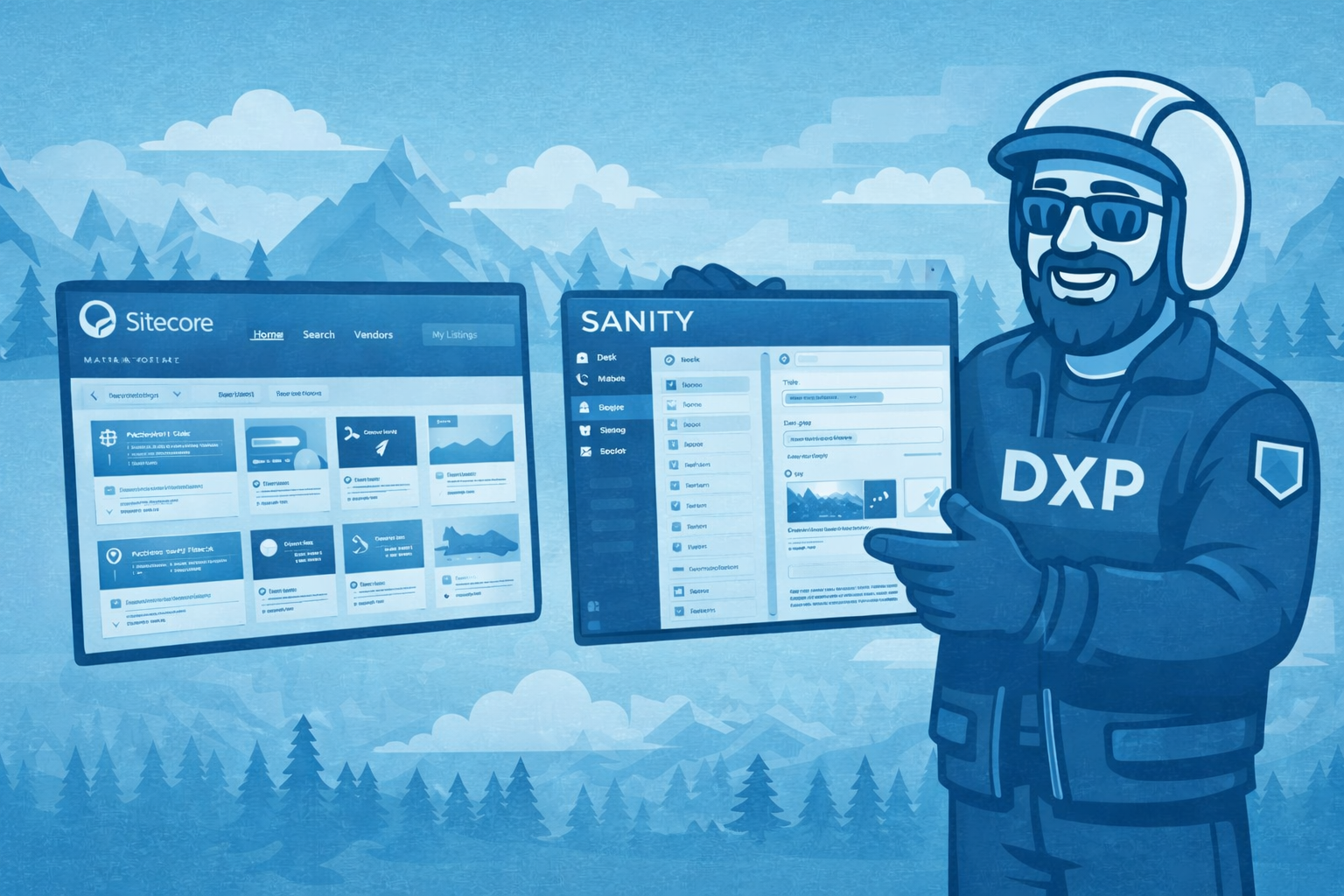
Let's dig into what Marketplace actually offers, then compare it to what true platform control looks like—using Sanity Studio as a reference point. At HT Blue, our DXP Architects love both platforms, but the degree of control they offer exists on entirely different planes.
What Sitecore Marketplace Actually Gives You
Sitecore Marketplace allows developers to build custom applications that extend the XM Cloud authoring experience. You can create apps using Next.js and React that integrate through specific extension points:
- Dashboard widgets - Custom visualizations and tools in the Cloud Portal homepage
- Page Builder panels - Contextual tools in the left or right panels (translation tools, SEO helpers, analytics)
- Custom field types - Specialized input components for content templates
- Portfolio context - Cross-site analytics and centralized management tools
These apps are external Next.js applications that run as iframes within the Sitecore interface. They communicate with XM Cloud through the Marketplace SDK, which mediates access to GraphQL APIs (Authoring, Delivery, and Experience Edge). Authentication is handled by Sitecore, and you can register apps for development, testing, or production use.
The workflow looks like this:
- Build a standalone Next.js application
- Register it in the Developer Studio
- Select your extension points
- Host it somewhere (Vercel, Netlify, your own infrastructure)
- Point Sitecore to your deployment URL
- The app loads in an iframe within the XM Cloud interface
Apps can be private (internal to your organization) or eventually public (once the public marketplace launches).
The Architectural Reality: Extension vs. Control
Here's where we need to be precise about what Marketplace actually represents. These aren't modifications to the SaaS platform—they're external applications that integrate with the platform through predefined extension points.
Think of it like this: Sitecore controls the house. They've given you some approved spots where you can hang your pictures. You can't change the walls, can't rewire the electrical, can't modify the foundation. You're building standalone apps that get framed and displayed in designated locations.
This is fundamentally different from what many organizations mean when they say "customization." You're not customizing XM Cloud itself—you're building adjacent experiences that Sitecore has graciously agreed to embed via iframe.
And look, there's nothing inherently wrong with this approach! For a SaaS platform, it's actually a reasonable compromise. Sitecore needs to protect the integrity of their multi-tenant architecture while giving customers some flexibility. The extension point model achieves that.
But calling this "changing the game" reveals how low the bar has fallen for SaaS platforms.
What Absolute Platform Control Actually Looks Like: Sanity Studio
Now let's talk about what developers experience when they have genuine control over their CMS authoring environment. Sanity Studio represents a fundamentally different philosophy—one where the entire CMS is treated as code that you own and manage.
Everything Is Configuration
With Sanity Studio, the entire authoring interface is defined through JavaScript or TypeScript configuration files. Your sanity.config.ts file defines:
- Project ID and dataset
- Schema types (your content models)
- Plugins and tools
- Studio components (layout, navbar, toolMenu)
- Form components (how every field renders)
- Document actions and badges
- Asset sources
- Authentication and permissions
This isn't configuration through a UI that generates code in the background. This is actual code that developers write, version, review, and deploy using standard software development practices.
Customization at Every Level
Want to customize how a specific field type renders? Override the input component with your own React component:
{
name: 'specialField',
type: 'string',
components: {
input: MyCustomInputComponent
}
}
Want to customize the entire form for a document type? Override the field component. Want to change how the navbar works? Override the navbar component. Want to add custom tools? Define them in code.
The customization framework uses a middleware pattern, so plugins can layer customizations that each modify the previous implementation. Each component receives a renderDefault callback, giving you the choice to enhance, wrap, or completely replace default functionality.
True Source Control
Because Sanity Studio is just code, your entire CMS configuration lives in your Git repository. Schema changes go through pull requests. You can review diffs, test in staging, roll back if needed. Multiple developers can work on CMS improvements simultaneously using feature branches.
Your content models, custom components, plugins, and configuration are all versioned together with your application code. Want to see what changed between versions? git diff. Want to roll back a problematic customization? Standard Git workflows.
Compare this to Sitecore Marketplace, where your apps are separate repositories that integrate via SDK with a platform you don't control. Changes to Sitecore's extension points, SDK, or APIs can break your apps without warning. You're dependent on Sitecore's API versioning and backward compatibility promises.
Deployment Control
Sanity Studio is a static single-page application. You can:
- Deploy it to Sanity's hosted service with
sanity deploy - Host it on Vercel, Netlify, or any static hosting
- Embed it in your own applications
- Self-host it on your own infrastructure
- Deploy different versions to different environments using environment variables
The Studio code is yours. The deployment is yours. The hosting decision is yours.
With Sitecore Marketplace, you're building apps that must work within Sitecore's iframe model and must be accessible from URLs that Sitecore can load. You're constrained by their security model, their authentication flow, their extension points.
Real-Time Collaboration Built In
Sanity Studio includes Google Docs-style real-time collaboration out of the box. Multiple editors can work on the same document simultaneously, with live cursors and change tracking. This isn't an extension or plugin—it's fundamental to the architecture.
The Content Lake (Sanity's backend) is designed for real-time collaborative editing with operational transformation. Every change is versioned. Every field edit is tracked. You can see who changed what, when, and revert to any previous state.
The Developer Experience Comparison
Let's be brutally honest about what it's like to work with each approach:
Sitecore Marketplace Developer Experience
Pros:
- Familiar Next.js/React stack
- SDK handles authentication complexity
- Can leverage existing Next.js hosting knowledge
- Marketplace Starter Kit provides templates
- Extension points cover common customization needs
Cons:
- Building external apps for integration, not customizing the CMS
- Iframe communication adds complexity and debugging challenges
- Dependent on Sitecore's API changes and SDK updates
- No control over when/how the platform itself updates
- Limited to predefined extension points
- Must maintain separate hosting infrastructure for each app
- GraphQL queries go through SDK middleware (can't validate in standard tools)
- Breaking changes in XM Cloud can affect your apps without warning
Sanity Studio Developer Experience
Pros:
- Entire CMS is your codebase
- Standard Git workflows for everything
- Hot module reloading during development
- Full TypeScript support with generated types
- Complete control over every component
- Deploy anywhere, or use Sanity's hosting
- Native real-time collaboration
- Extensive plugin ecosystem (100+ official and community plugins)
- Can customize literally any part of the interface
- Schema changes are code changes (reviewable, revertable)
Cons:
- Steeper learning curve (more power means more to learn)
- With great flexibility comes great responsibility
- Need to understand React for complex customizations
- Can over-customize if not disciplined
What "Changing the Game" Actually Requires
For Sitecore Marketplace to truly "change the game," it would need to shift the fundamental power dynamic between vendor and customer. It hasn't done that.
Marketplace gives you approved ways to extend the vendor's platform within boundaries they control. The extension points are defined by Sitecore. The SDK is maintained by Sitecore. The platform updates happen on Sitecore's timeline. Your customizations are at the mercy of their architectural decisions.
This is fundamentally different from owning your CMS configuration as code.
"Changing the game" would mean:
- Schema as code (not UI-defined content types)
- Component-level customization (not predefined extension points)
- True source control (not separate app repositories)
- Deployment independence (not iframe-based integration)
- API-first architecture where the authoring environment is just another consumer
Sanity achieved this years ago. It's not revolutionary—it's just treating content management the same way we treat application development: as code that's versioned, reviewed, tested, and deployed through standard CI/CD pipelines.
Why This Matters for Enterprise Organizations
If you're managing a complex DXP implementation, the difference between these approaches has real implications:
Governance and Compliance With code-based configuration, every change to your CMS is auditable through Git history. You know who made what change, when, and why (via commit messages). You can enforce review processes through pull request workflows.
With Marketplace apps, you're managing separate codebases that integrate with a platform you don't control. Your governance extends to your apps, but not to the platform they're integrating with.
Technical Debt When your CMS configuration is code, you can refactor it. You can improve it incrementally. You can apply the same quality standards you apply to application code.
When you're building extension apps, each one is a separate project with its own dependencies, deployment pipeline, and maintenance burden. SDK updates can require coordination across multiple app repositories.
Migration Risk Code-based CMS configuration is fundamentally more portable. Your schema definitions, custom components, and business logic are yours. Moving to a different platform means adapting your code, not rebuilding your entire customization strategy.
With platform-specific extension apps, you're locked into that vendor's extension model. Migrating means rewriting all your customizations from scratch.
The Verdict: Is Marketplace Good? Yes. Did It Change the Game? No.
Look, Sitecore Marketplace is a positive development. For organizations committed to XM Cloud, it provides valuable flexibility that was sorely needed. The engineering team clearly put thought into the extension points and SDK architecture.
But let's not confuse "incremental improvement to a SaaS platform" with "fundamental shift in how platforms work."
Sitecore took a step toward giving customers more control. That's commendable. But they're still operating within the SaaS paradigm where the vendor controls the platform and customers work within approved boundaries.
Sanity (and other code-first platforms) represents a different paradigm entirely: the platform is code you own, configure, and control. The vendor provides the runtime (Content Lake) and the framework (Studio), but the implementation is yours.
At HT Blue, our DXP Architects appreciate both approaches. For organizations already invested in Sitecore, Marketplace opens up important customization possibilities. For organizations starting fresh or willing to make a change, Sanity Studio demonstrates what true platform control looks like in a modern content architecture.
The game hasn't changed. But Sitecore is at least playing it better than they were before.
What Questions Should You Ask?
If you're evaluating these platforms (or any DXP), here are the questions that actually matter:
- Who owns the configuration? Is it in your codebase or the vendor's system?
- How are changes versioned? Through Git or through platform-specific tools?
- What can you customize? Specific extension points or everything?
- How do updates work? On your timeline or the vendor's?
- Where's your technical debt? In your code or in integration apps?
- What's the migration path? Can you take your configuration or start over?
- Who controls the deployment? You or the vendor?
For Sitecore XM Cloud with Marketplace:
- Configuration is platform-defined with extension apps you own
- Extension apps are versioned in Git, platform is not
- Customization limited to extension points
- Platform updates on Sitecore's schedule
- Technical debt in separate app repositories
- Migration requires rebuilding extensions
- Deployment split between your apps and Sitecore's platform
For Sanity Studio:
- Configuration is your codebase
- Everything versioned in Git
- Everything customizable
- Updates on your timeline
- Technical debt in your codebase
- Migration means porting your code
- Complete deployment control
Neither answer is automatically wrong, but one represents significantly more control and ownership than the other.
Final Thoughts
Sitecore Marketplace proves that even SaaS platforms can evolve toward more customization. It's a welcome development that gives XM Cloud customers more flexibility.
But we need to be precise about what "customization" means. Building external apps that integrate through predefined extension points is not the same as owning your CMS configuration as code.
For organizations where platform control matters—where content architecture is strategic, where governance is critical, where migration risk is real—the difference between these approaches is fundamental.
At HT Blue, we help organizations make these decisions based on their actual needs, not vendor marketing. Sometimes that means Sitecore with thoughtfully implemented Marketplace apps. Sometimes it means Sanity with full code-based control. Often it means something else entirely.
But whatever we recommend, we're honest about what "control" actually means in each context.
The game hasn't changed. But it's good to see Sitecore trying to play it better.
The Arch of the North writes about enterprise content management with a focus on cutting through marketing narratives to examine what technologies actually deliver. At HT Blue, we implement DXP solutions based on evidence, not hype.